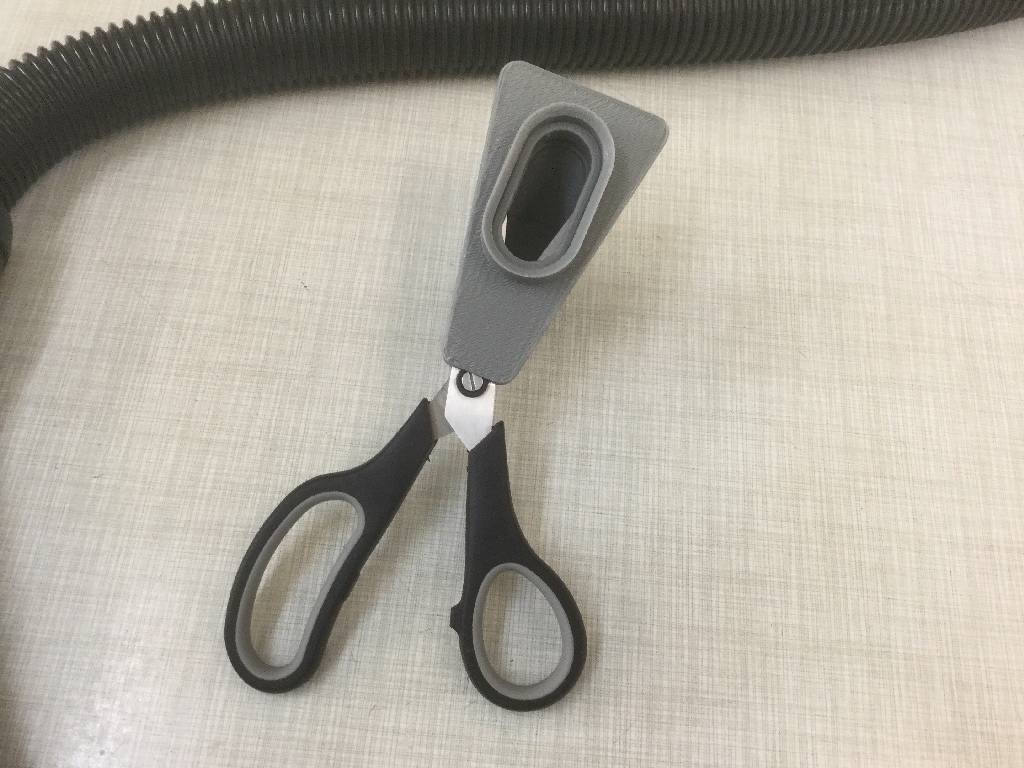
Vacuum-powered haircut tooling, rebuilt as a tactile demo.
This page turns the supplied (H)air Cutter archive into a focused configurator: real OBJ geometry, switchable trim lengths, and a gallery that keeps the original render pack visible alongside the live model.
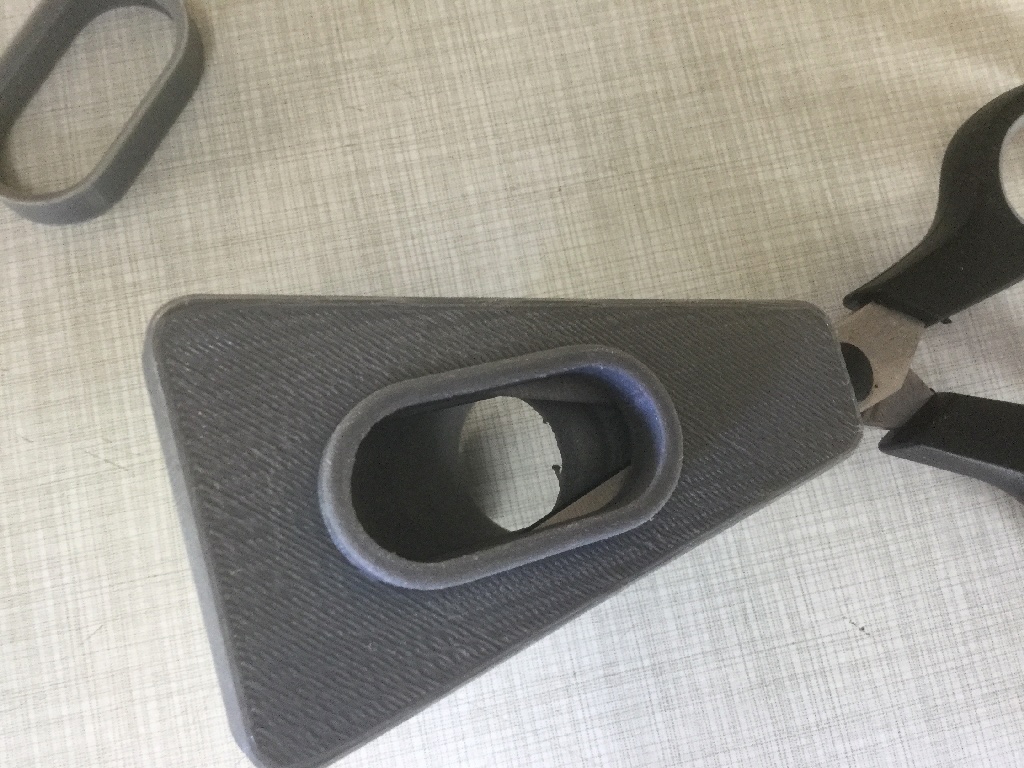
The main body works without any ring attached.
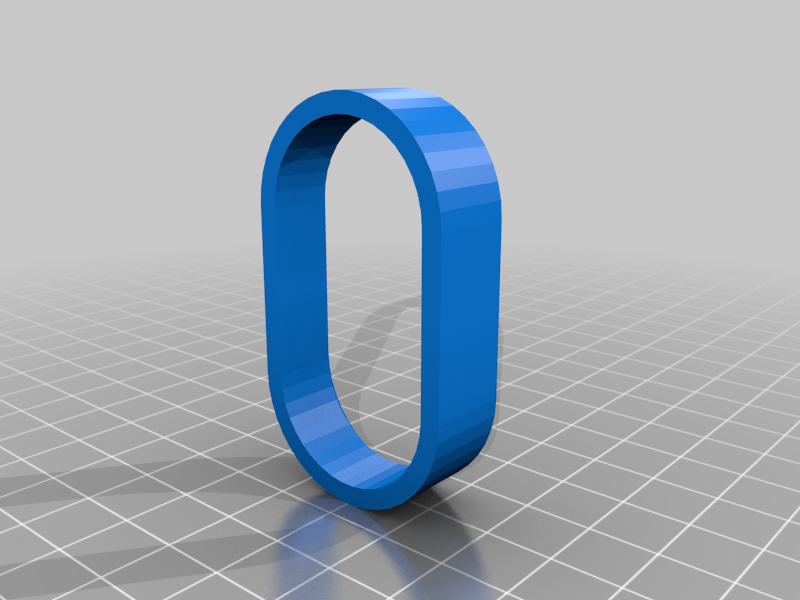
Six add-on guard lengths are bundled in the archive.
Plus the original FreeCAD source and bundled reference renders.
Real OBJ geometry, tuned like a product demo.
20 mm
Balanced everyday preset.
Circular nozzle
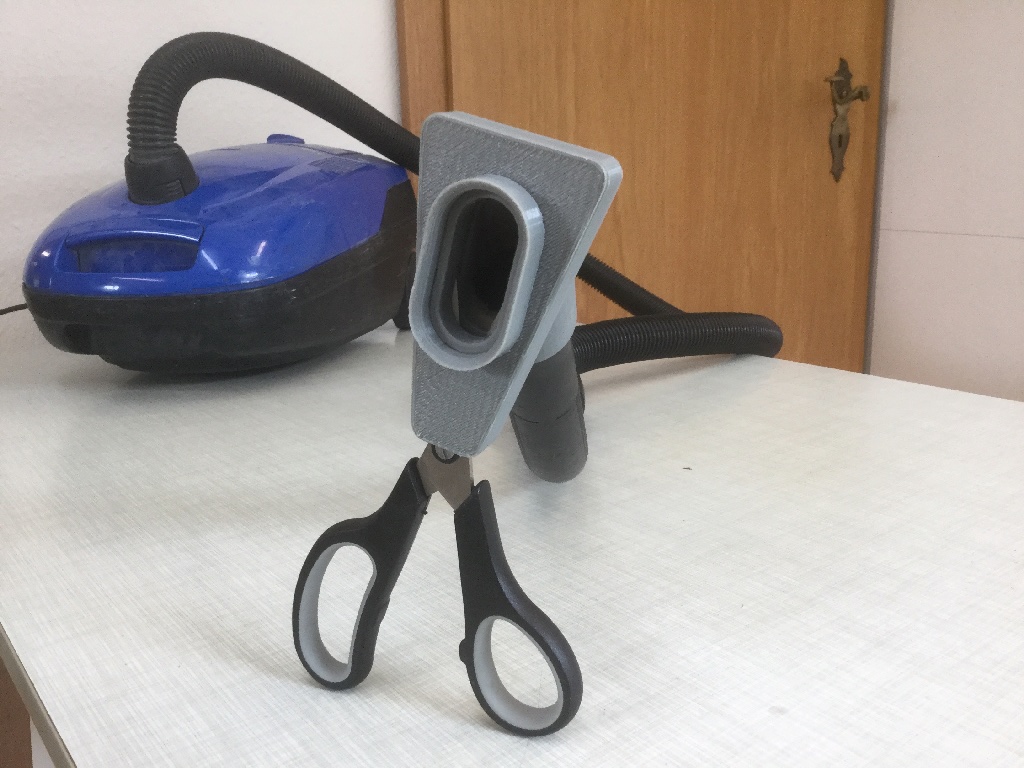
The source design assumes a round hose attachment and light suction.
Pointer orbit
A slow idle spin resumes after you stop dragging so the form keeps reading clearly.
Switch between the bundled ring sizes. The base option uses the main body alone.
A good default when you want the page to open on a ring-equipped setup.
3D product stage
The hero uses the actual OBJ bundle, not an approximation, so the silhouette and proportions stay honest.
Length presets
Base mode plus six adapter rings are exposed as switchable trims, with the viewer and snapshot card staying in sync.
Reference-backed
The lower gallery keeps the original renders visible so the UI feels like a product cockpit instead of a raw file dump.
A workflow panel instead of a raw download page.
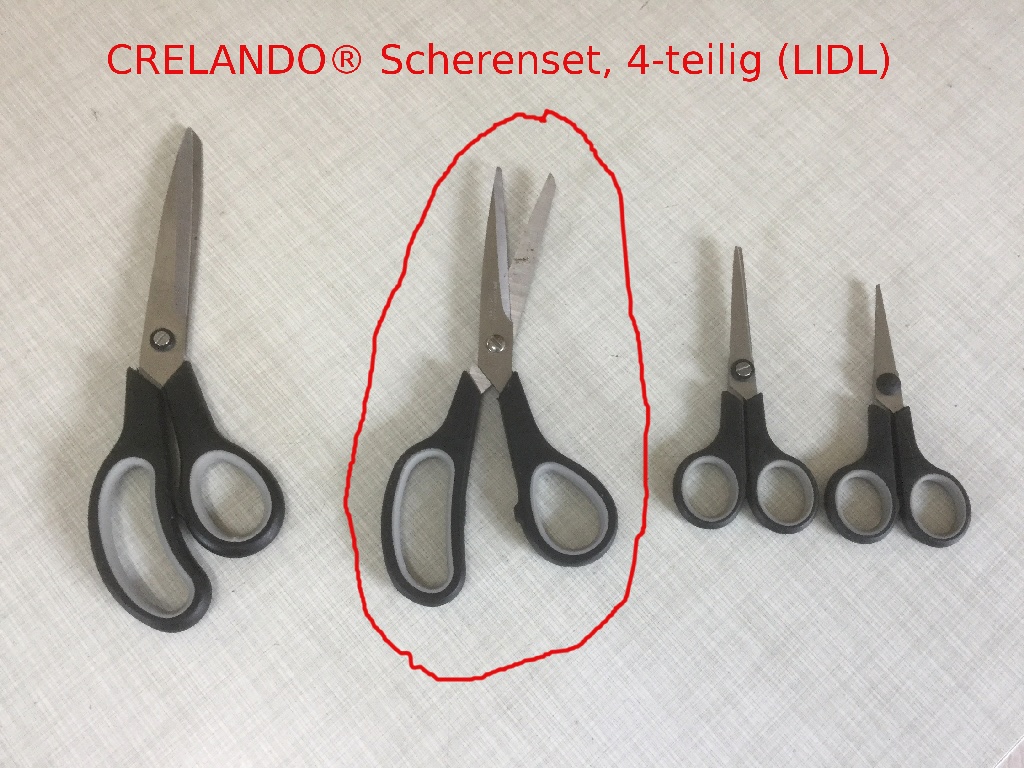
The source README is playful, but the UI leans into the practical parts: trim selection, nozzle fit, and the enclosure logic that keeps the scissors covered while hair is guided toward the cutting path.
Pick a trim length
Start with the base body at 12.5 mm or move upward through the included adapter rings until the cut feels safe enough.
Attach to a round nozzle
The source notes assume a circular vacuum tube and a low suction setting, just enough to guide the hair toward the scissors.
Sweep, snip, repeat
The enclosure keeps the blade path controlled while the funnel shape handles collection and cleanup at the same time.